

Suggest a ride
Say how long you have and where you are starting. Bikingo proposes familiar outings that fit, using the time these rides have actually taken you.
Everyday riding, made visible
Bikingo turns Apple Health cycling workouts into a calmer picture of your riding — and, in 4.0, into an answer to what you should ride today: familiar outings that fit the time you have, timed from your own history. All worked out on your device.
Why Bikingo
Bikingo is for everyday riders: commuters, errand riders, weekend wanderers, and anyone who feels better after time on a bike. It helps you notice progress, routes, and memories without turning every ride into training.
Bikingo 4.0
Bikingo 4.0 redesigns every main screen and adds the thing a ride log could never do: tell you what to ride. Say how long you have and where you are starting, and Bikingo suggests familiar outings that fit — timed from your own recorded history, not a forecast.
Say how long you have and where you are starting. Bikingo proposes familiar outings that fit, using the time these rides have actually taken you.
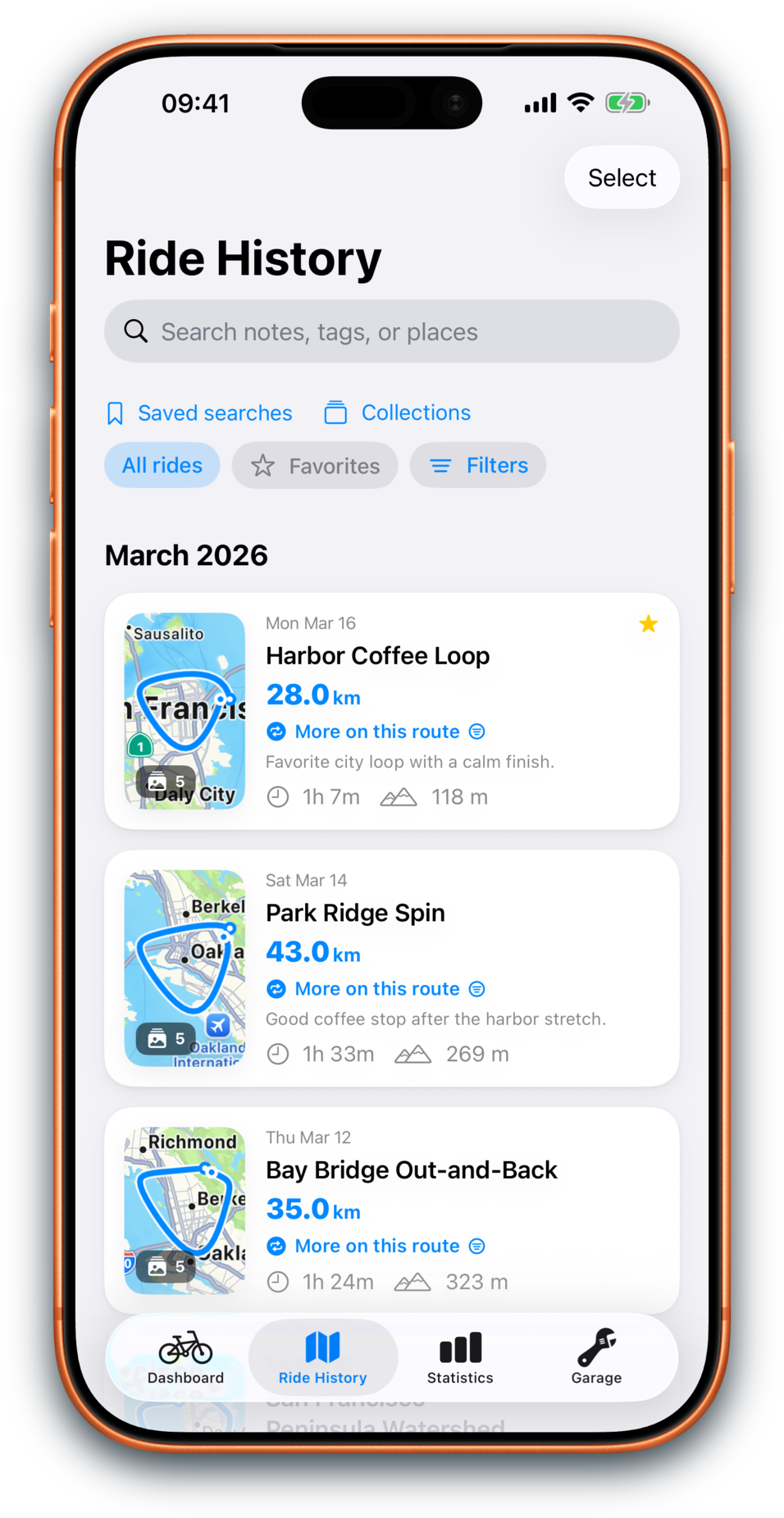
Rides grouped by month on compact map cards, with search that reaches your whole history — and collections to gather a tour or a season.
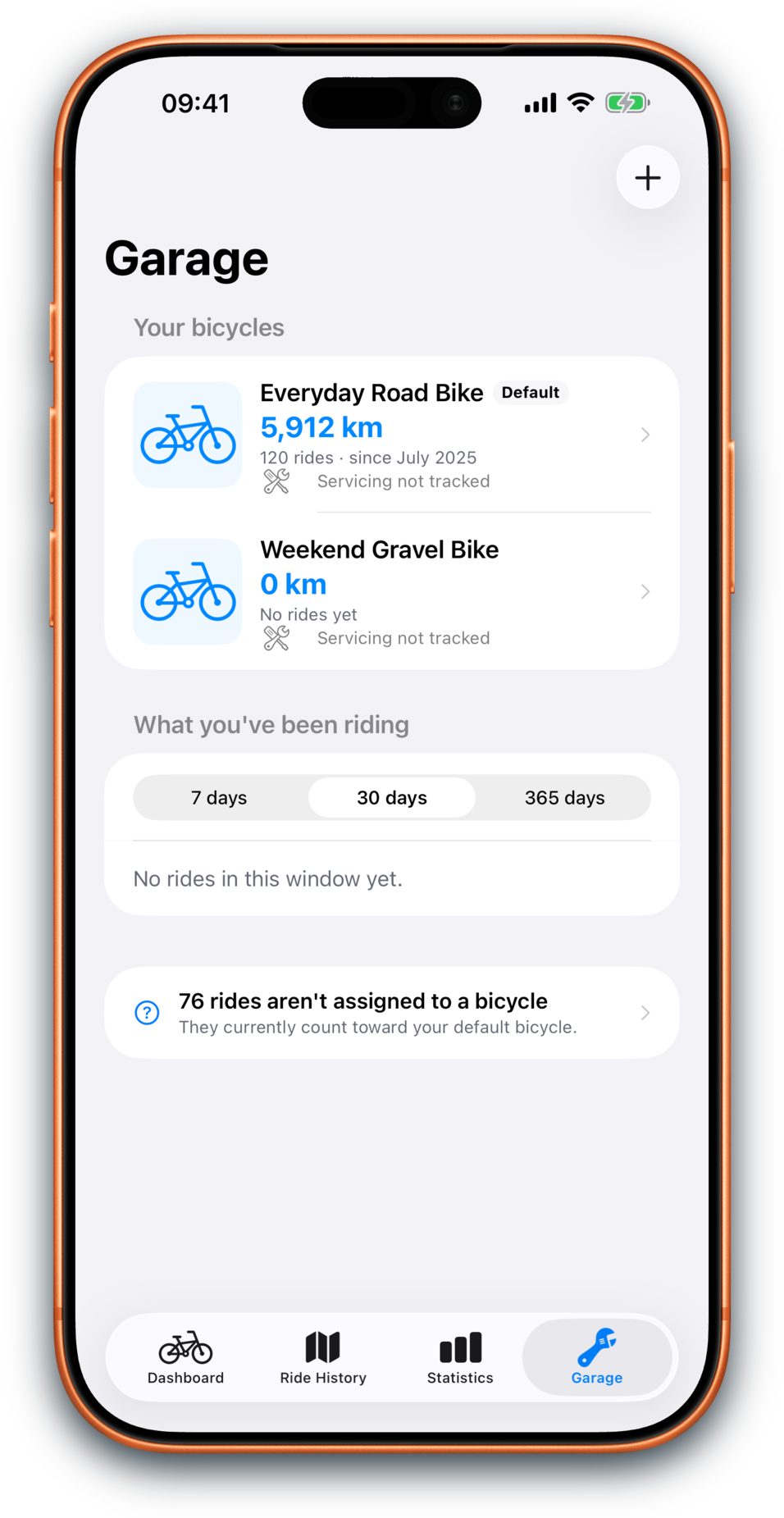
Bicycles first, with lifetime mileage and what is due for service — and a photo of the bike you actually ride.
Dashboard
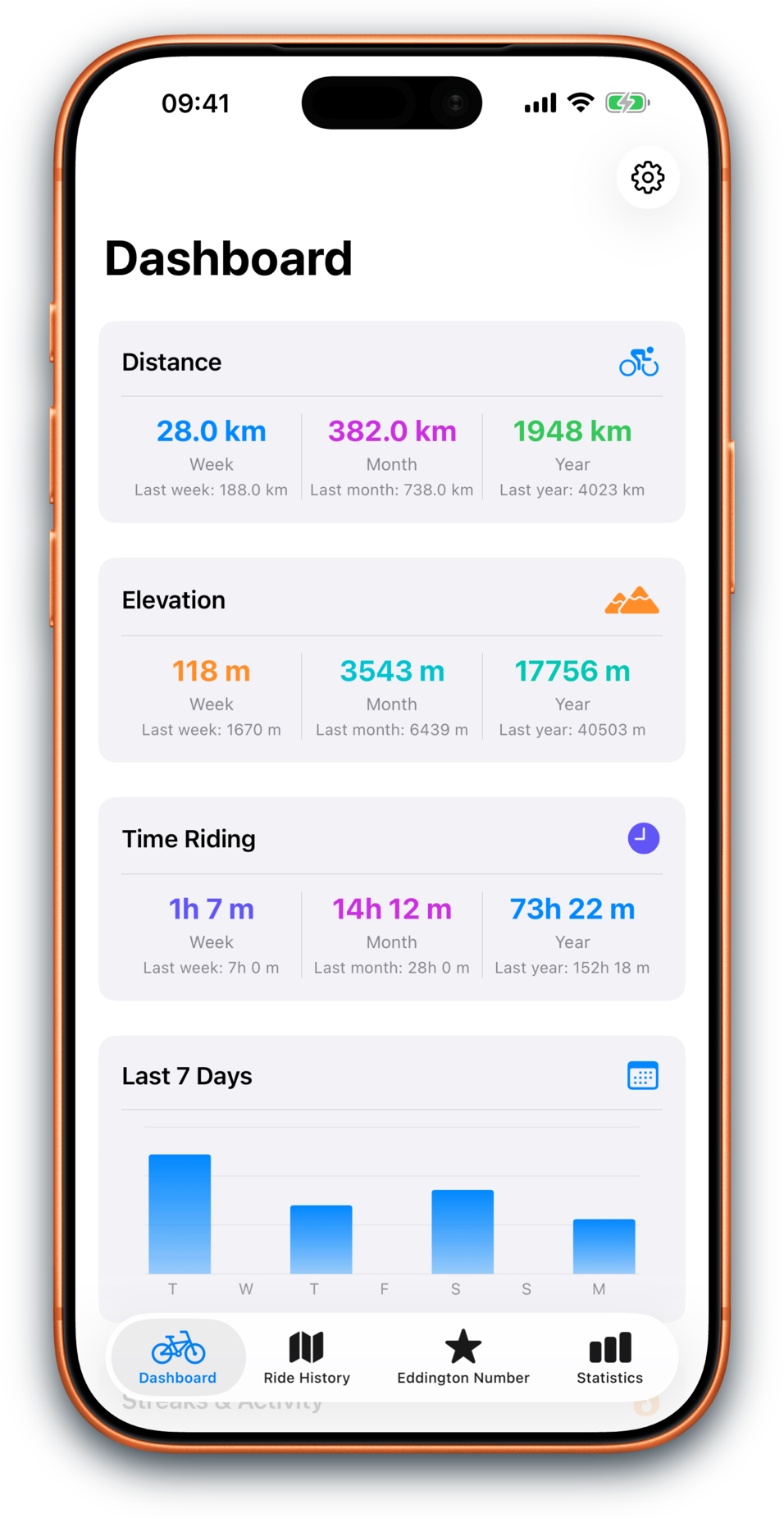
The redesigned Dashboard leads with the period you are actually in — distance, time and climbing — over a heatmap of the days you rode, with a compact latest ride, your goals, and Momentum insights below.
Explored
Explored finds the places you actually ride — no notion of a city, just ground you have covered thoroughly, with the emptiness between kept as emptiness. Each place opens into a map of every road you have covered there, and one long ride between two places never merges them into one.
Eddington Number
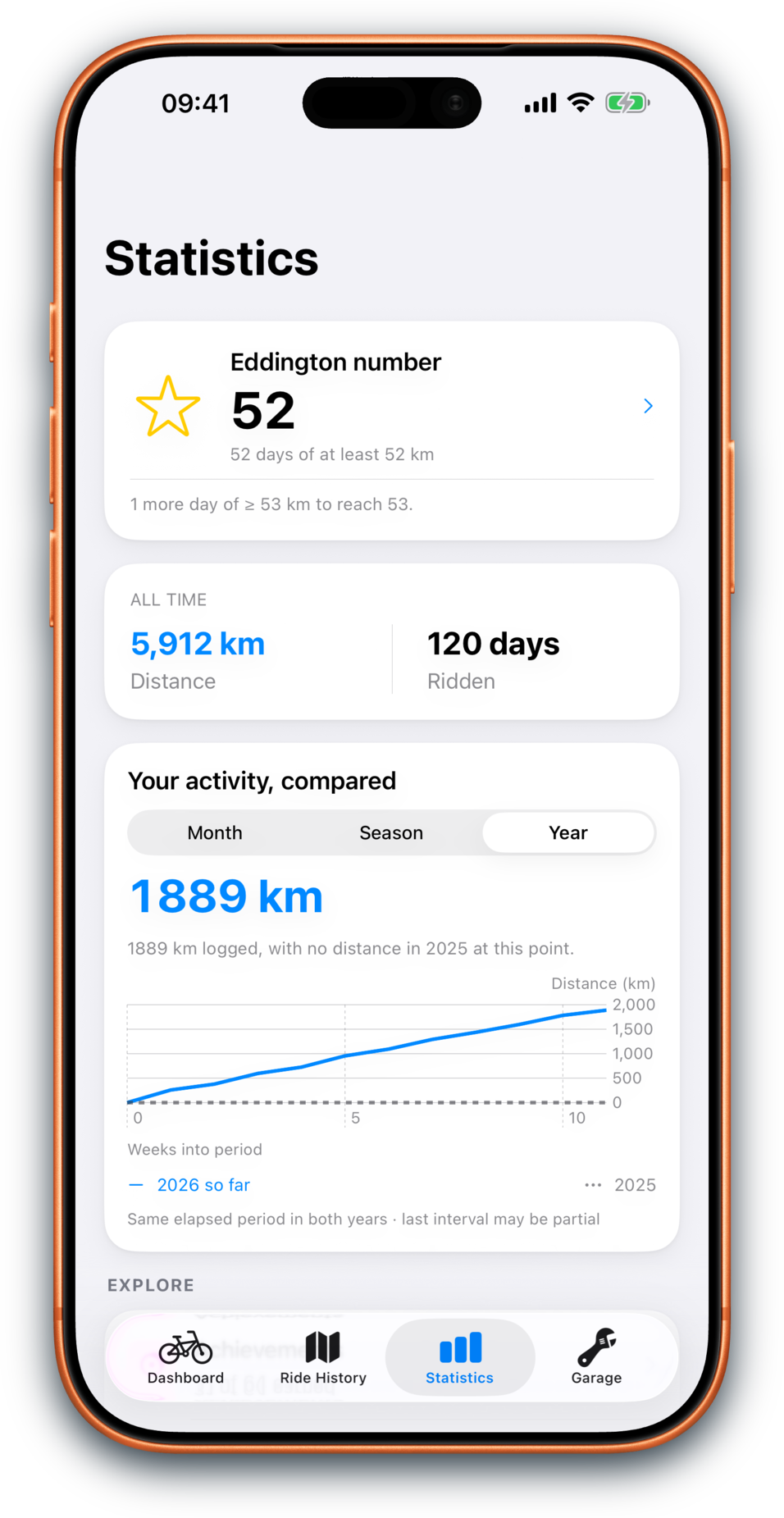
If you like quirky cycling metrics, Bikingo gives the Eddington Number a proper home, with your current number, next milestone, distance breakdown, and the qualifying ride days behind it.
New to it? The Eddington Number is a cycling metric based on how many days you have ridden at least a given distance.
Statistics
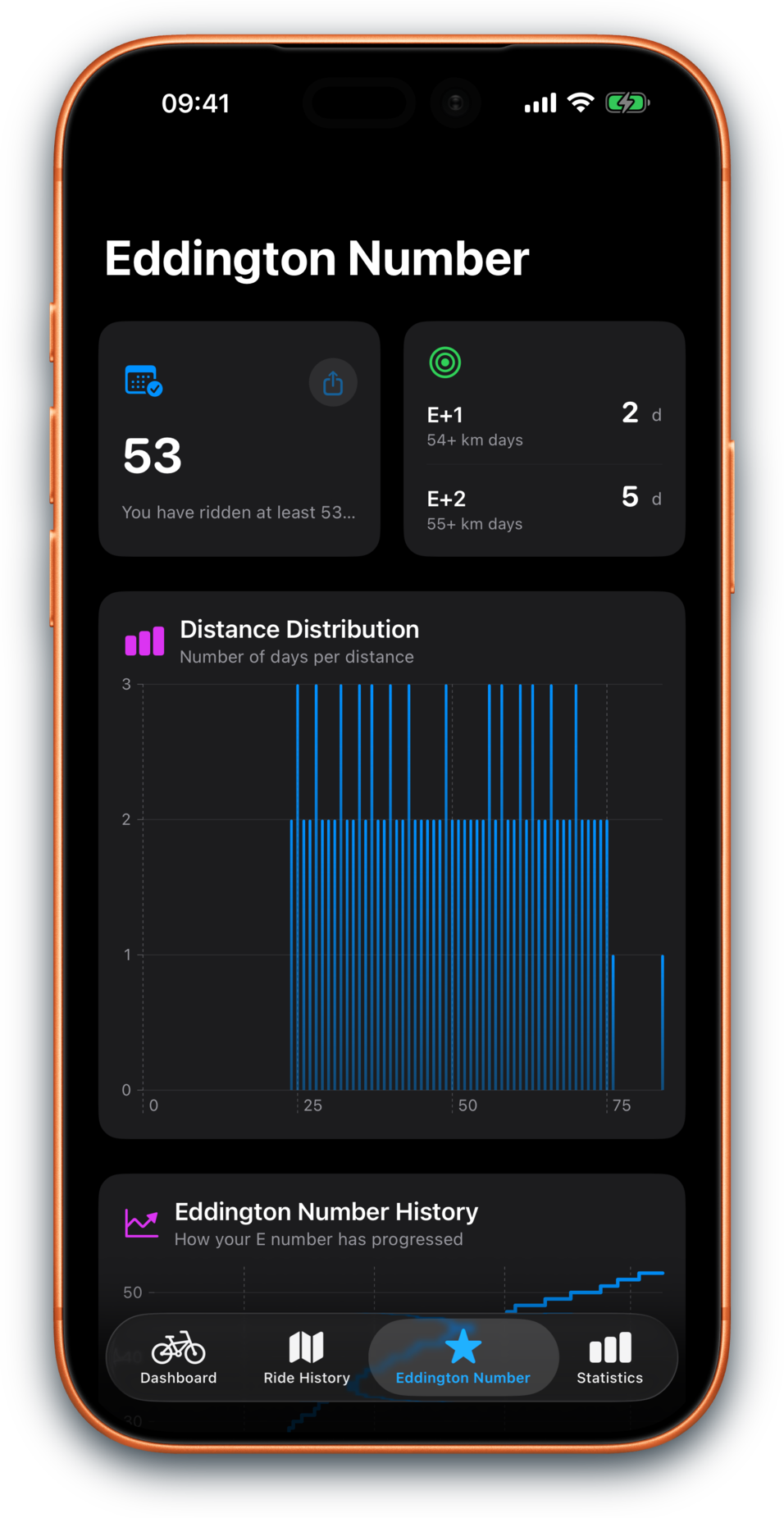
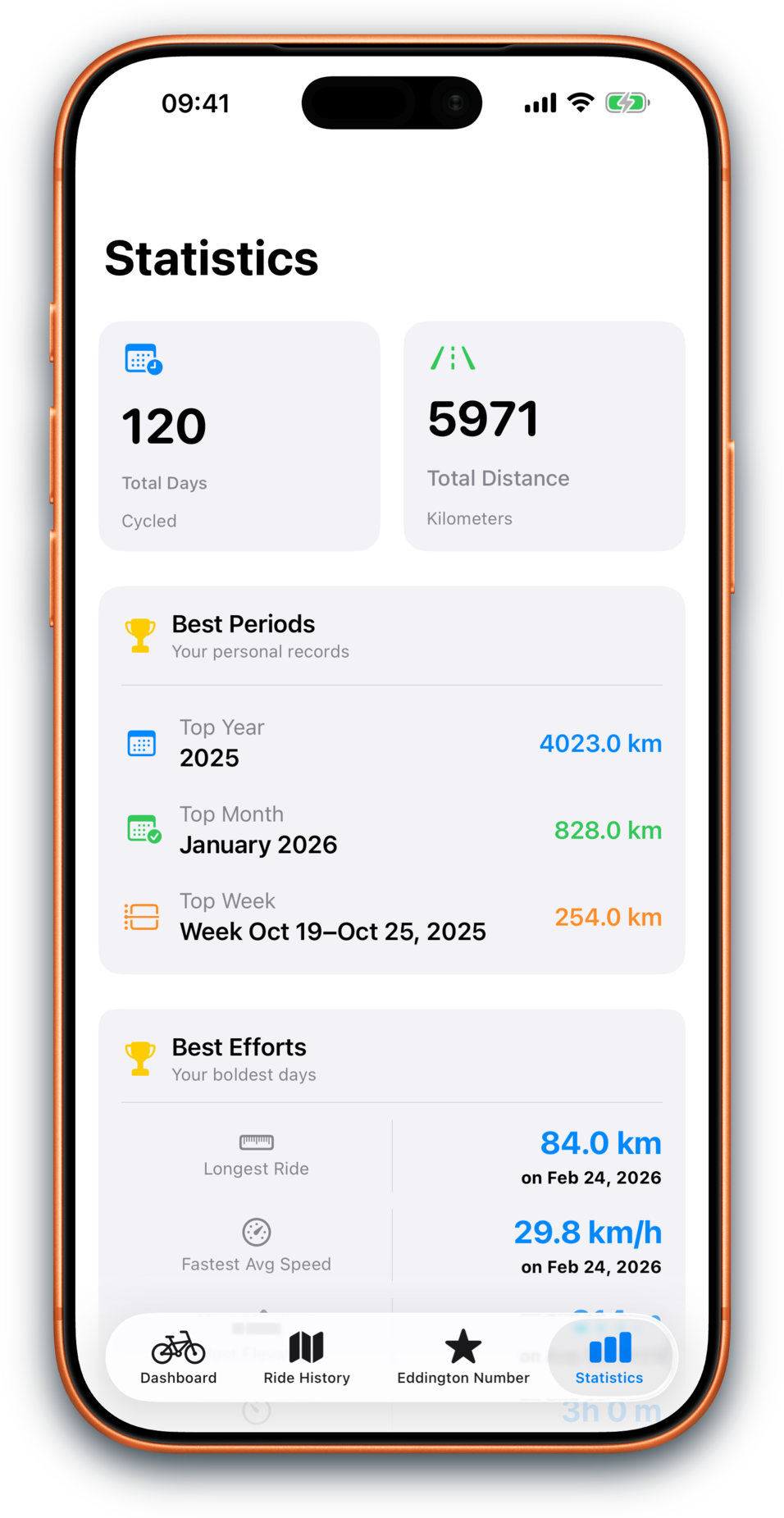
See how often you ride, how long your rides tend to be, which days are most popular, which weeks were busiest, and how your month, season, and year compare over time. Best efforts can take you back to the ride behind the result.
Ride history + detail
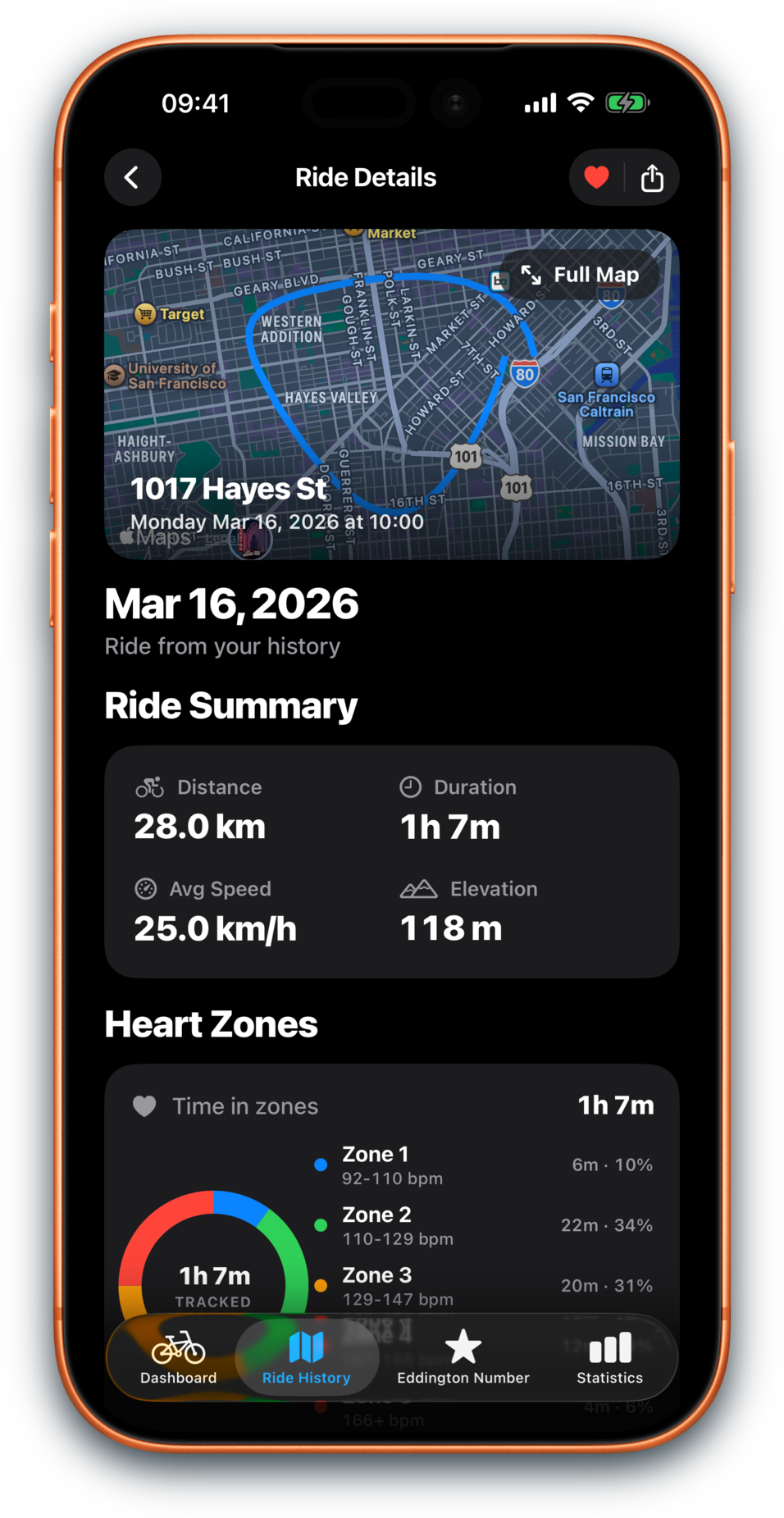
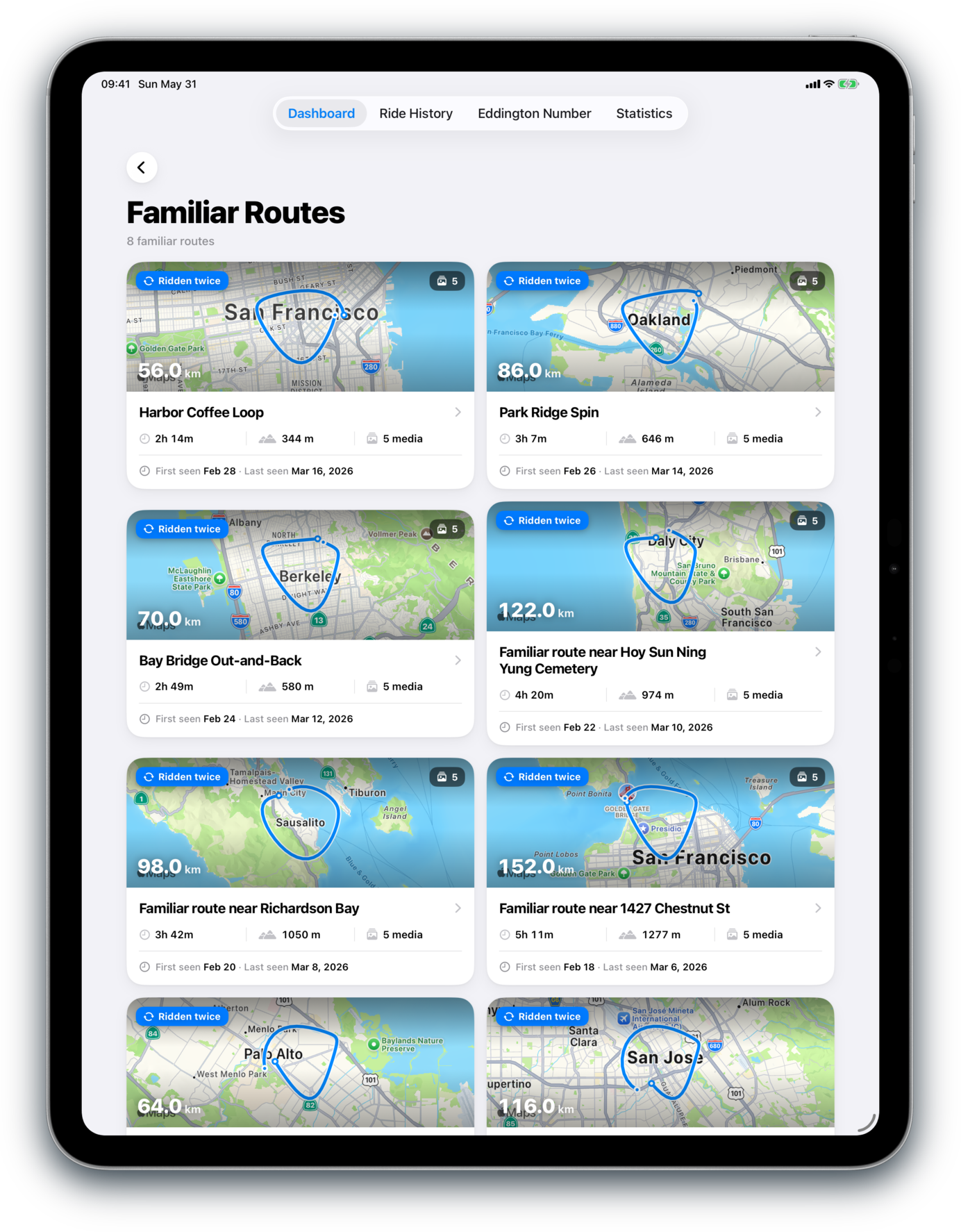
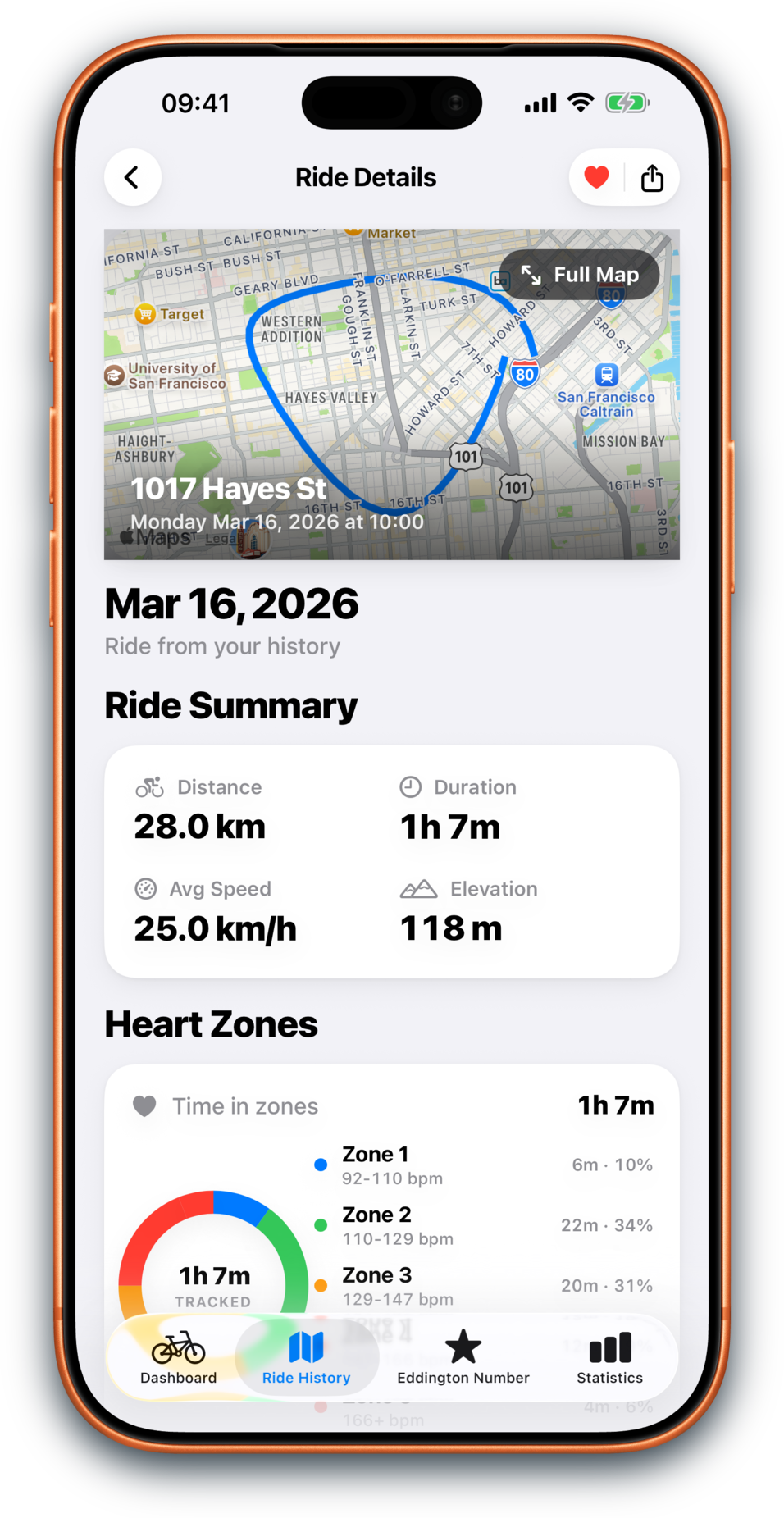
Ride History groups by month on compact map cards you can recognise, and its search now reaches your whole indexed history rather than the page in front of you. Name the searches you keep running, gather rides into collections, and fix a familiar-route match Health got wrong.
Recaps
Weekly and monthly recap cards turn your riding into something you can keep, share, archive, or simply look back on, with goal-aware storylines that stay gentle.
Apple Watch
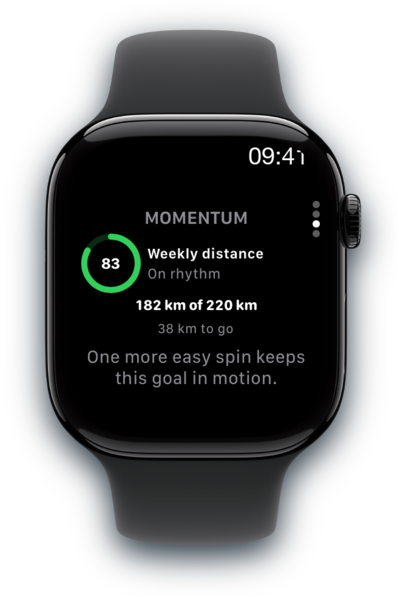
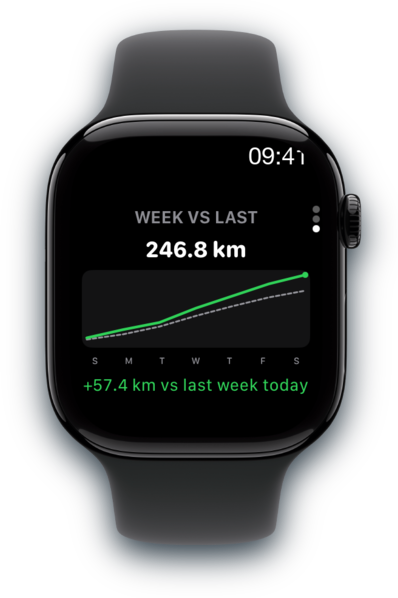
Start with your Eddington Number, then swipe into this week’s distance, Goal Momentum, and week-over-week progress without pulling out your phone.
News
Bikingo 4.0 (build 350) is submitted for Apple review: a redesign of every main screen, and ride suggestions that fit the time you actually have.
Bikingo 3.0.1 (build 303) is prepared for Apple review, adding Explored: a map of everywhere you have ridden, grouped into the places you actually ride.
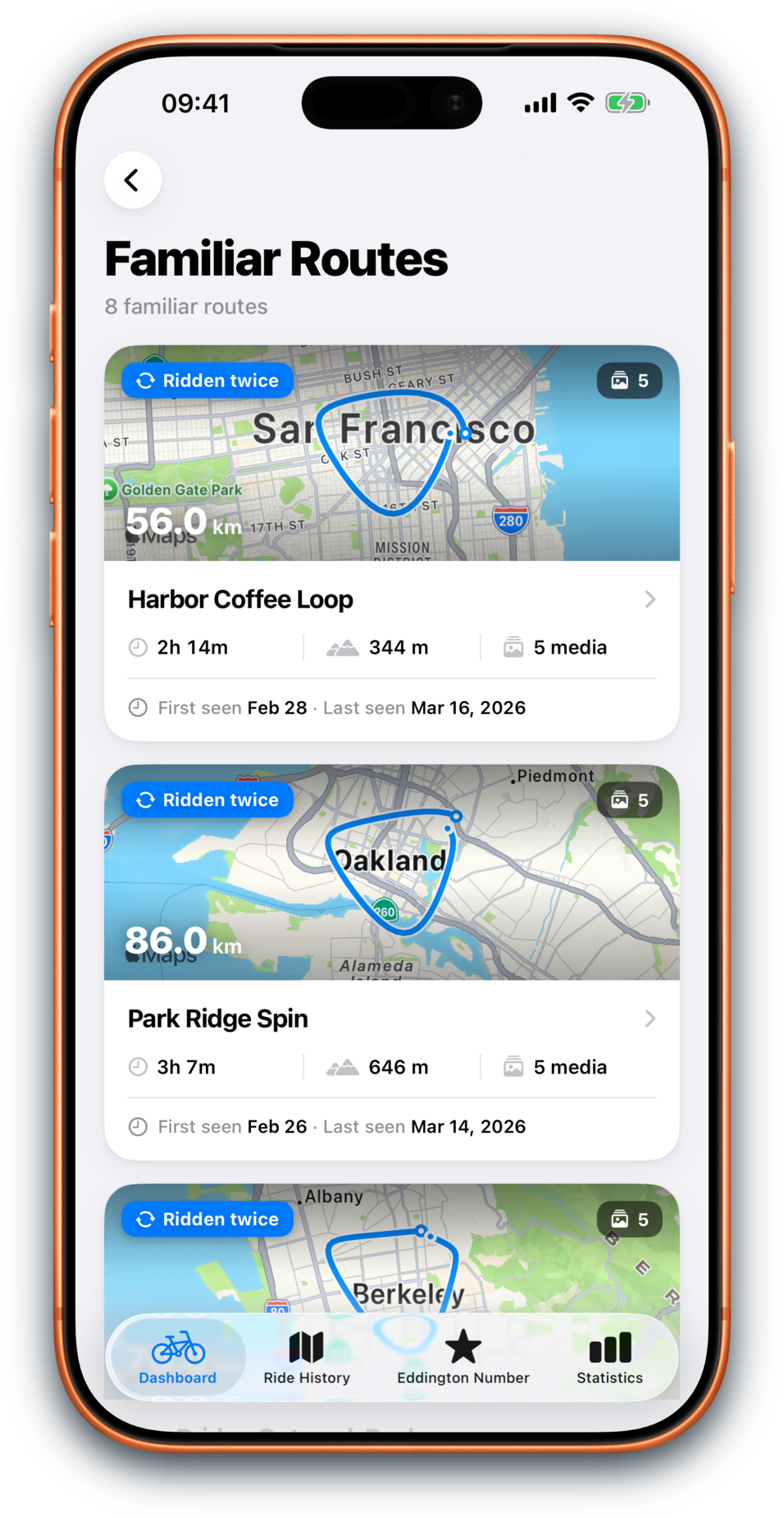
Bikingo 2.7 (build 236) is prepared for Apple review, adding richer familiar-route histories, route cards, memory signals, hide controls, and refreshed screenshots.

About Bikingo
Bikingo is a passion project built by a recreational cyclist who wanted a better way to track riding progress.